
Review flashcards on your phone
In short
On your phone, translate words and save them as flashcards, review cards when they are due, and practice by reading, listening or typing. Your cards and study progress can sync with the browser extension.
 Get it on Google Play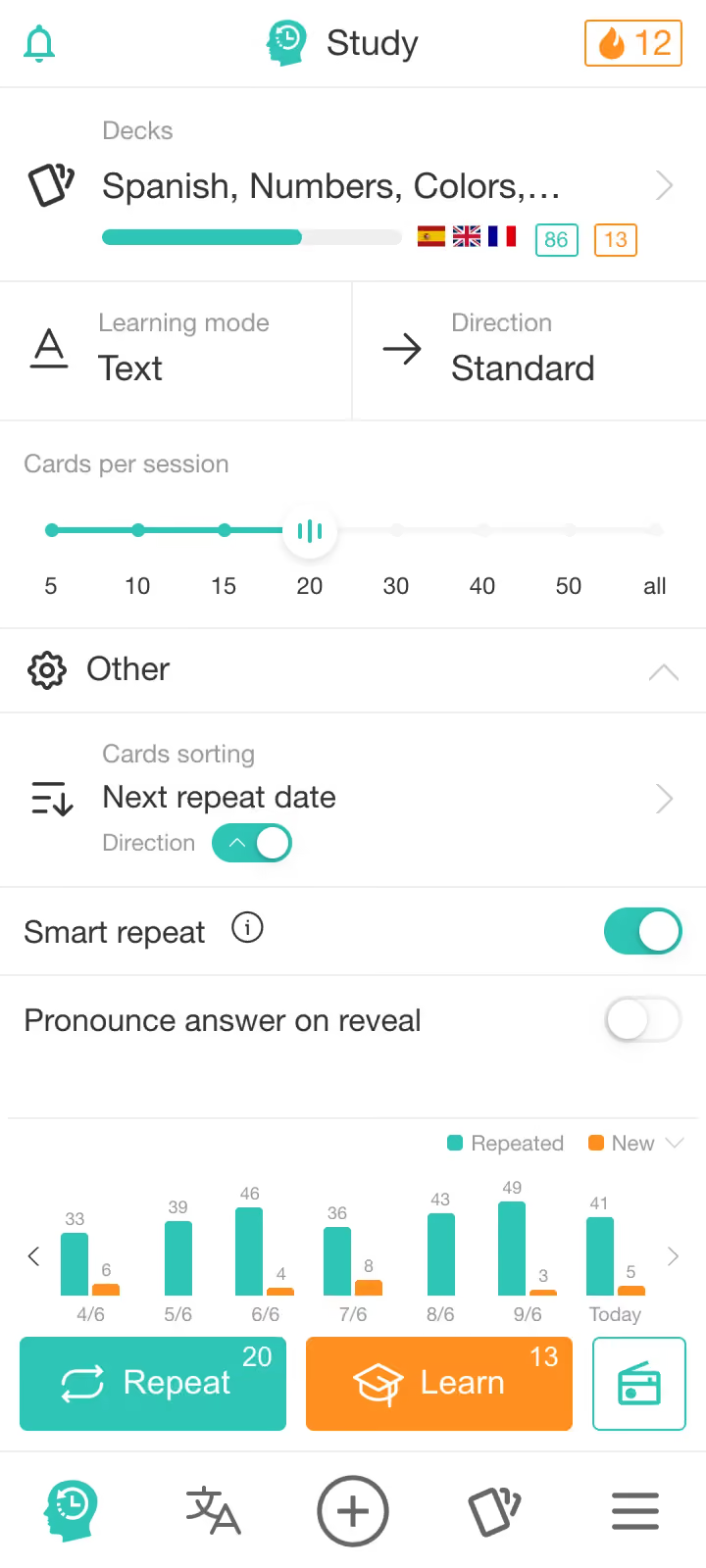
Overview
Watch the mobile app
From a new word to your next review
Translate a word, organize cards into decks, and practice with spaced repetition, Playback or your own AI chat.
01 · Create
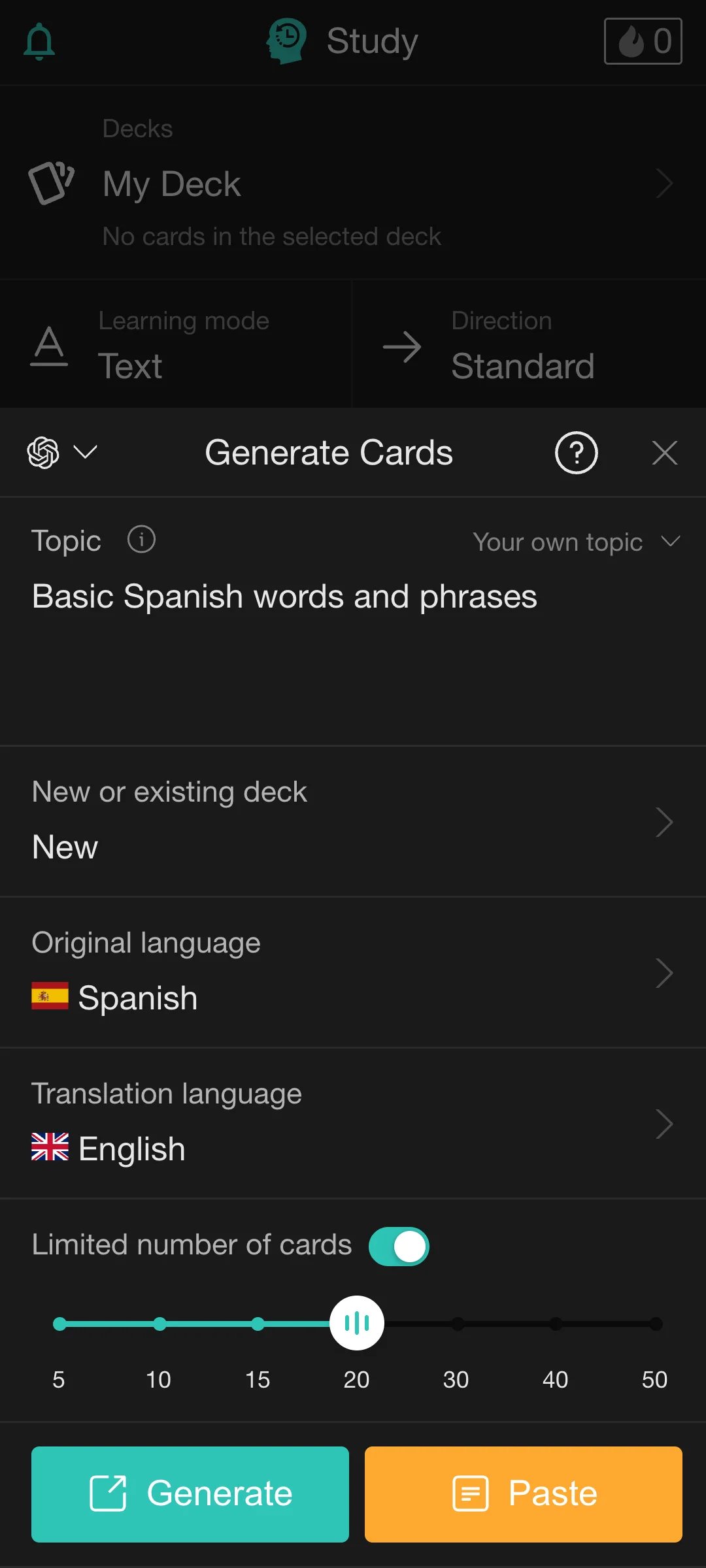
Generate focused decks with AI
Choose a topic, languages and number of cards, then use your own AI chat to create a deck.
See the card generation process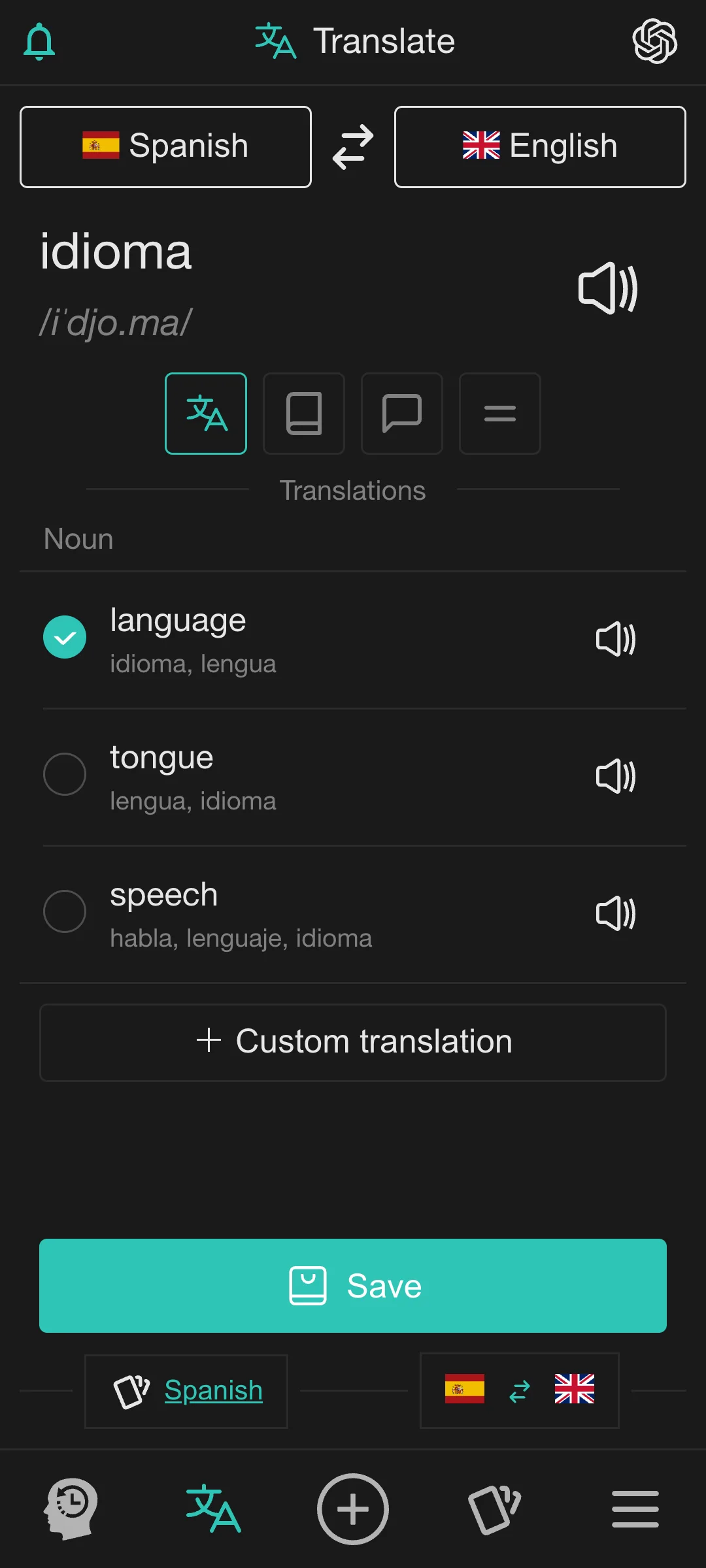
02 · Capture
Translate words and save them as cards
Look up a word or phrase, hear its pronunciation, adjust the translation if needed and save it directly to the right deck. Select a word or phrase in another app and choose “Translate with Rememberry”. Rememberry opens and translates it automatically.
03 · Organize
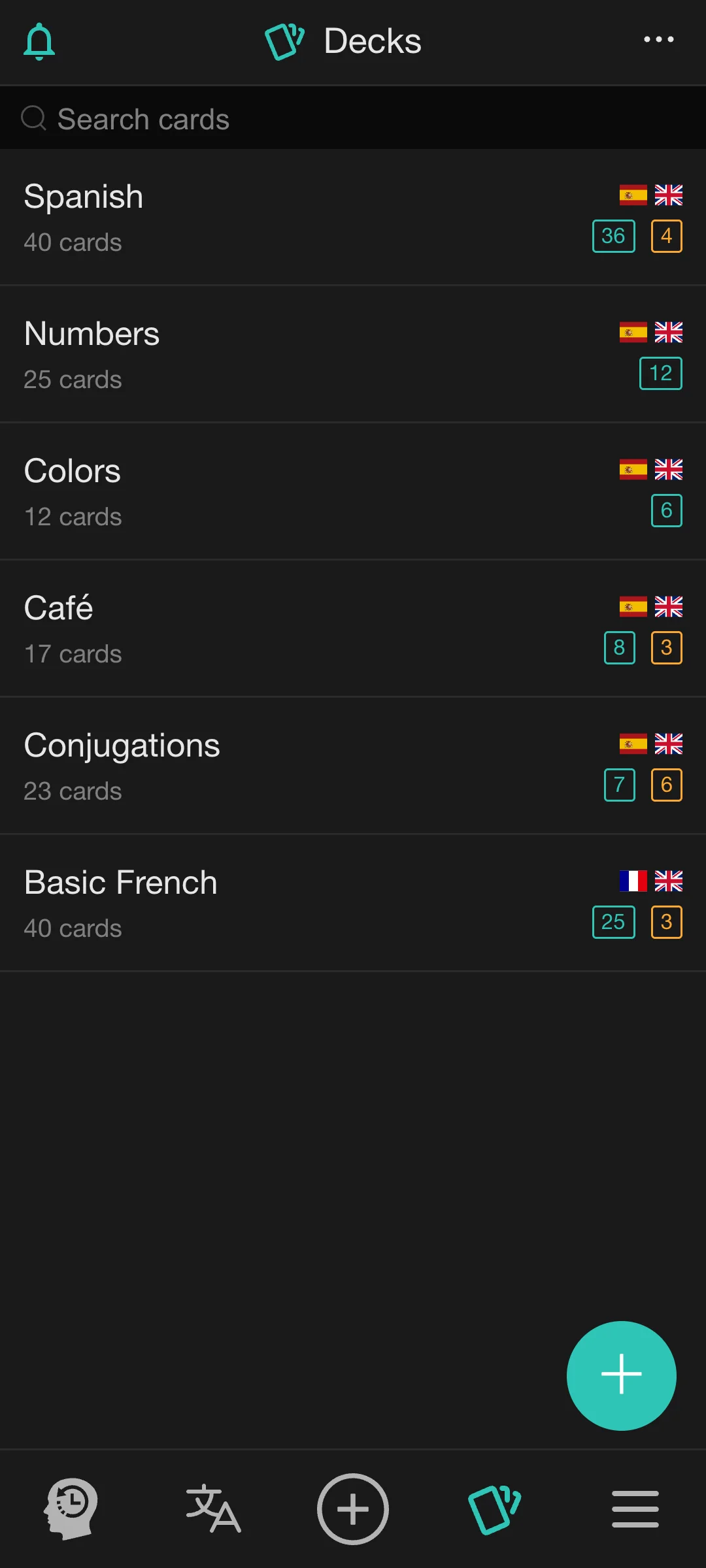
Keep vocabulary sorted by deck
Group cards by topic or language, search your collection and see the learning status of each deck at a glance.
04 · Remember
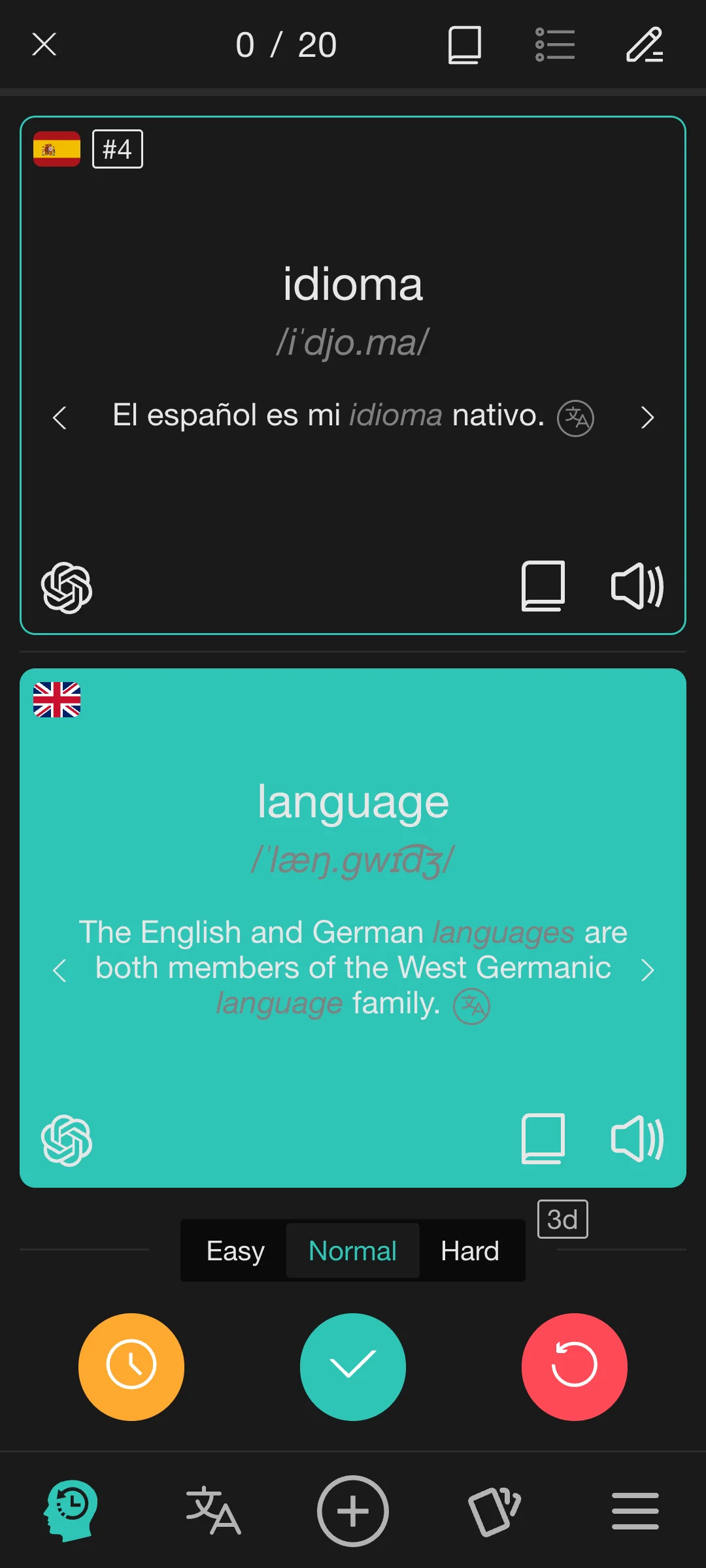
Review what is due
Rememberry schedules cards from your review history and recall difficulty. Reviews can include pronunciation, definitions, examples, synonyms, antonyms and transcription when available.
05 · Practice
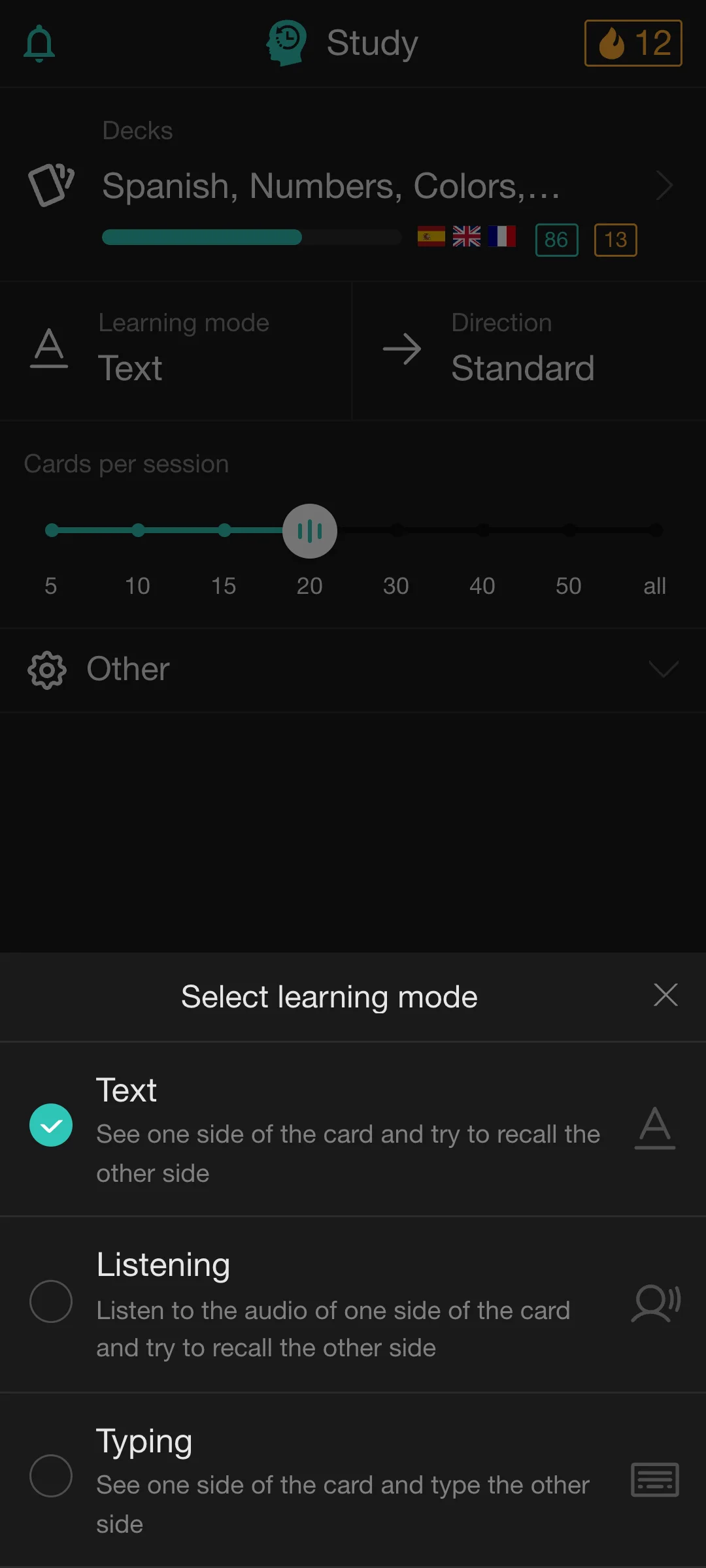
Train reading, listening and typing
Choose how you want to recall each deck. Read one side, listen without seeing the answer or type what you remember.
Explore Text, Listening and Typing modes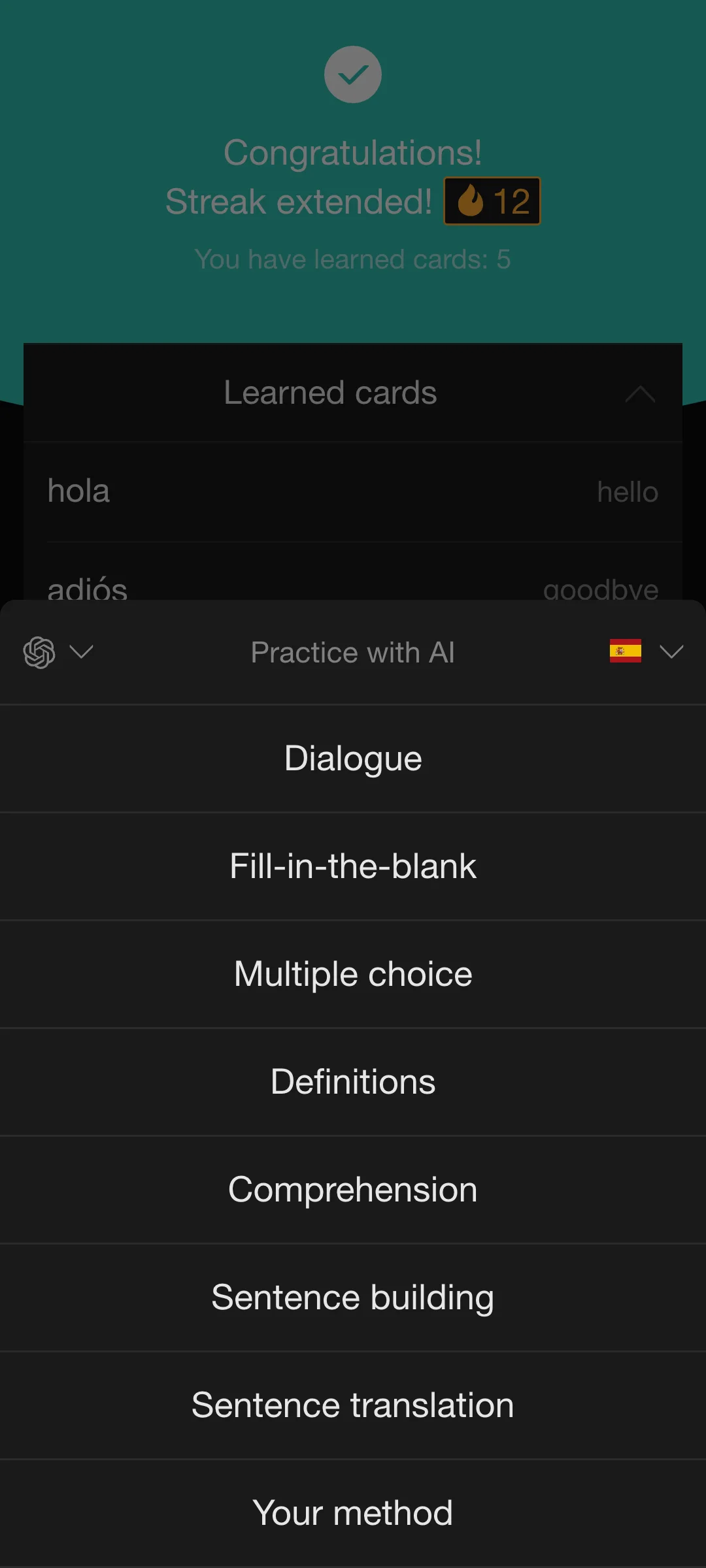
06 · Go further
Practice with AI after you study
Take your reviewed cards into your own AI chat for dialogues, drills and open-ended practice. You can type or use voice when your AI provider supports it.
See how AI practice works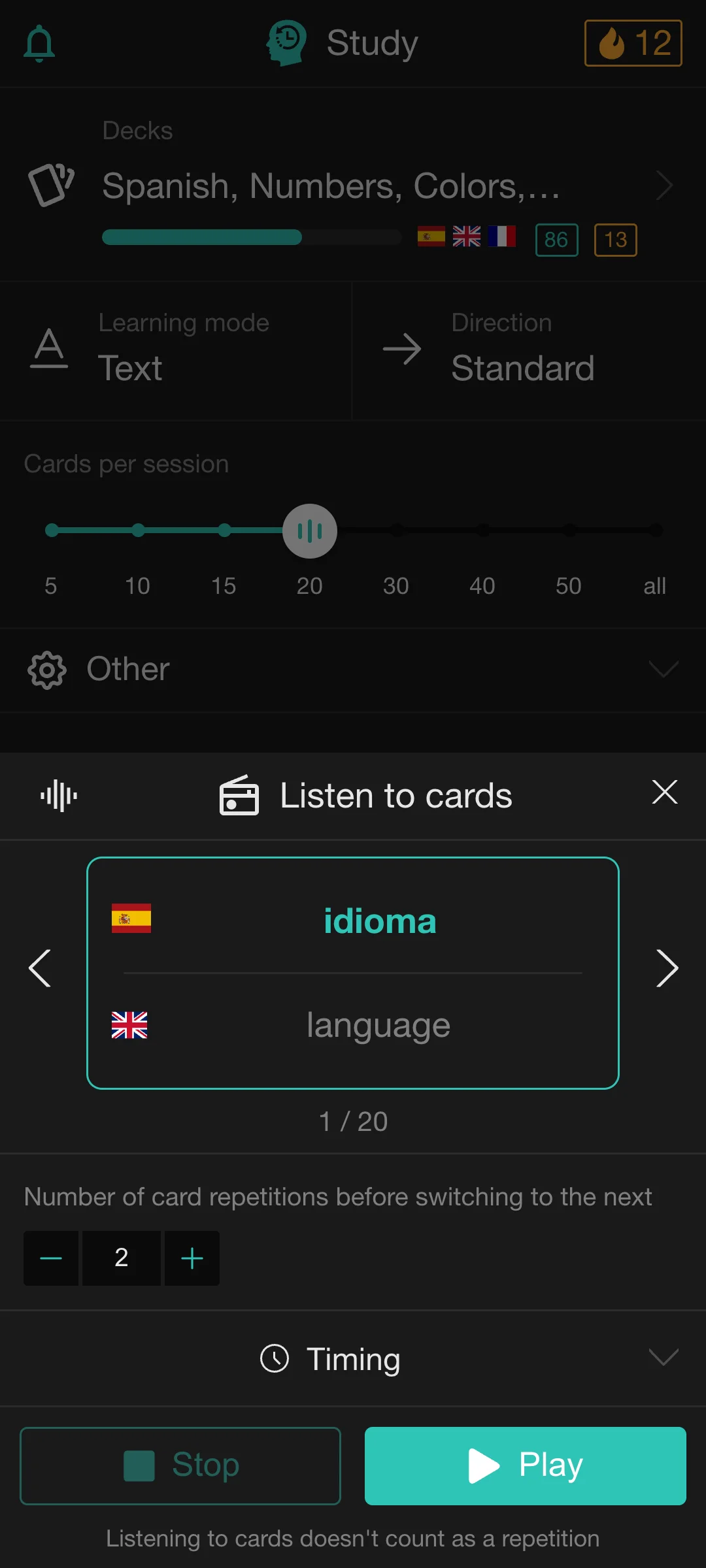
07 · Listen
Study hands-free with Playback
Playback lets you listen to your cards in sequence while walking, commuting or doing other things. Control timing and repetitions without starting a standard review session.
08 · Sync
Save in the extension, study on your phone
Sync cards and study progress between the browser extension and app, then continue on mobile or desktop.


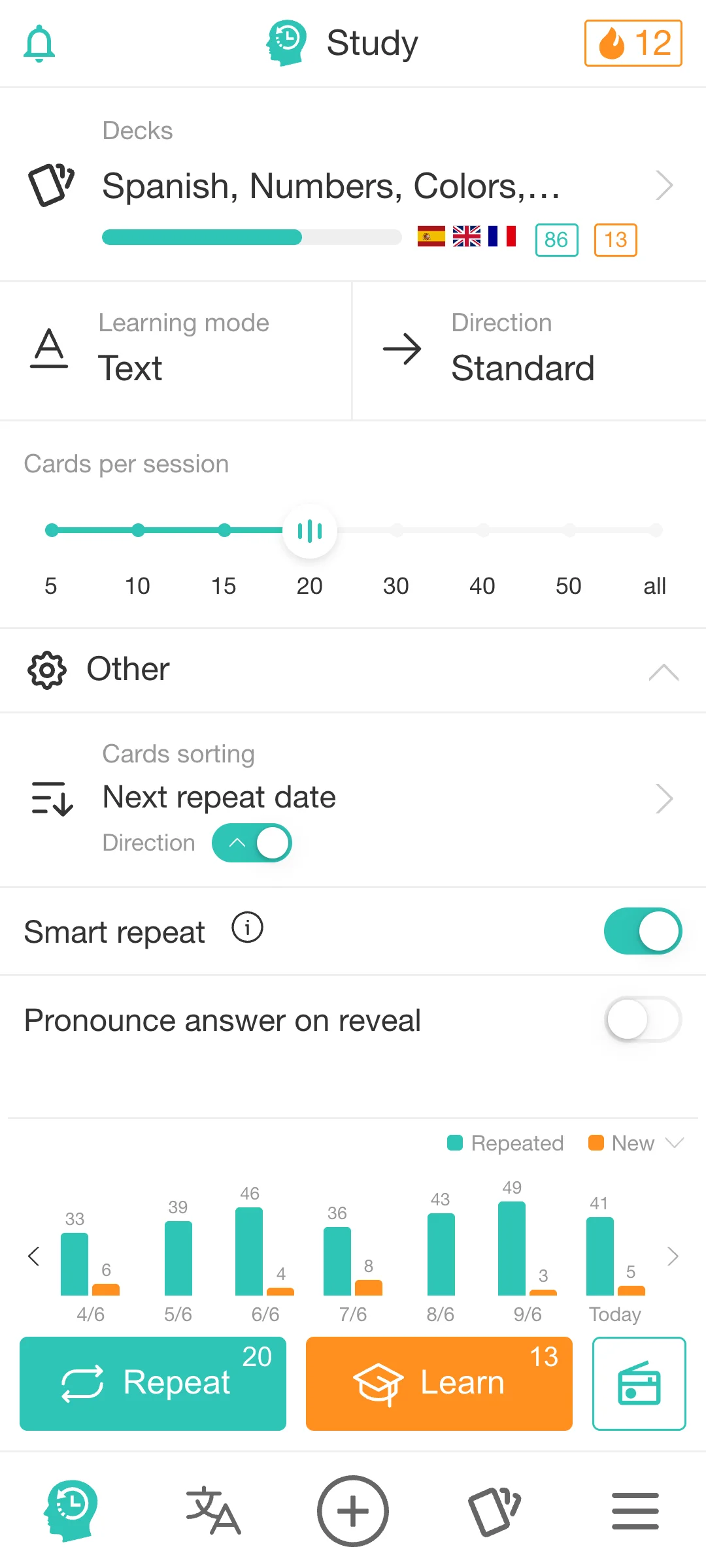
Set up a study session your way
Choose a deck, set how many cards to review, and pick how you want to recall them.
- Set the card count, order and direction for each session
- Choose Text, Listening or Typing to practice recall
- Turn on answer pronunciation during a review
- Study offline in the installed app
FAQ
Mobile & web app
Can I download Rememberry from Google Play or the App Store?
Do I need an account to try the app?
What are the advantages of the Android app over the web app?
If you use Rememberry on Android, we recommend installing it from Google Play for a few useful extras.
- With Playback, you can keep listening to your cards while your screen is locked or you use another app. Pause, resume or skip cards with Android’s media controls or the buttons on your headset. The web app needs to stay visible with the device unlocked and has no system media controls.
- Found a word in another app? Select it and choose “Translate with Rememberry” from Android’s text-selection menu. Rememberry opens and translates it automatically, ready for you to save as a flashcard.
- You can also translate offline after downloading language packs, and generate cards and decks on your device after downloading an AI model on supported devices. Offline translation and on-device AI can be less accurate than online translation and cloud AI.
You’ll still manage your subscription in the web app.
How do I manage my subscription in the Android app?
Does the app work offline?
Do my extension cards appear in the app?
Review a deck on your phone
Install from Google Play on Android, or use the web app on iOS.